Android File Transfer for Mac.
Reinvented for Apple Silicon.
Google quietly removed the official Android File Transfer app for macOS, and the old MTP utility constantly crashed whenever Preview, Photos, or Google Drive ran in the background. Tandem Mirror gives you instant, rock-solid USB and wireless file transfers alongside full 120 FPS phone mirroring.
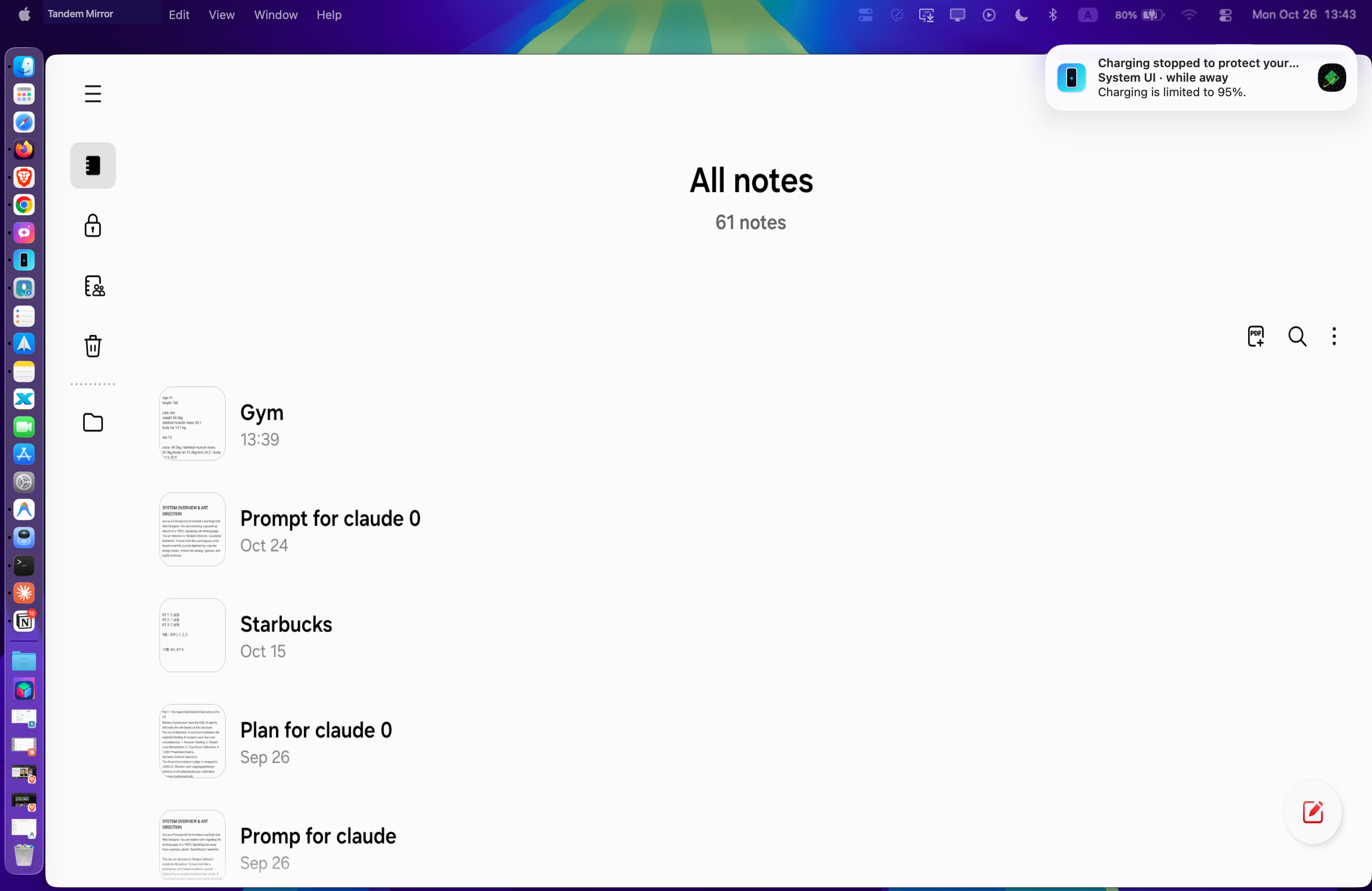
Drag files straight from macOS Finder onto your Android window or browse storage with ⌘⇧F.
Why MTP Apps (Android File Transfer / OpenMTP) Fail on macOS
The 1990s Media Transfer Protocol (MTP) locks exclusive USB access and freezes whenever a folder has more than a few hundred camera photos. Wireless tools like LocalSend require you to unlock your phone, open the app on both devices, and manually accept every single file.
Zero-Prompt, Full-Speed Transfers Over Wi-Fi or USB-C
Built from the ground up in Swift 6 and Metal for macOS Sonoma and macOS Sequoia. 100% local peer-to-peer connection with zero cloud accounts and a one-time $19 lifetime license (slashed from $24 — includes 2 Macs).
Key Capabilities
✓ Mac ➔ Phone: Direct Finder Drag & Drop
Drag any photo, 4K ProRes video, PDF, or folder from macOS Finder and drop it directly onto the Tandem Mirror window. Files land in /sdcard/Download and are immediately indexed into Android Gallery.
✓ Phone ➔ Mac: Built-In Native Files Browser (⌘⇧F)
Press ⌘⇧F to open a fast macOS file manager for your phone. Browse DCIM, Downloads, and Documents, and drag full-resolution camera RAWs and videos straight onto your Mac desktop.
✓ macOS Share Sheet Extension Included
Right-click any file in Finder or click Share in Safari/Preview and choose Tandem Mirror to send it straight to your phone.
✓ 1-Drop APK App Sideloading
Drag any .apk file from your Mac Downloads folder onto the phone window to automatically install it without typing terminal commands.
How to Get Started in 30 Seconds
- 1 Download Tandem Mirror and connect your Android phone once for 3 seconds.
- 2 To send files to your phone: drag any file from Finder and drop it onto the phone screen.
- 3 To pull files from your phone to Mac: press ⌘⇧F to open the Files Browser and drag files to your desktop.
Frequently Asked Questions
Does Tandem Mirror compress photos or videos during transfer?
No. Every photo, RAW image, and 4K video is transferred bit-for-bit with zero compression or quality loss.
Does it conflict with Google Drive, Preview, or Dropbox like Android File Transfer did?
Never. Tandem Mirror uses high-speed ADB sync pipes instead of legacy MTP, so it never freezes or conflicts with other macOS apps.
Can I transfer files wirelessly without plugging in a cable?
Yes! Once paired via the 3-second setup, both Finder drag-and-drop and the ⌘⇧F Files Browser work completely wirelessly over local Wi-Fi.
Try Tandem Mirror Free for 14 Days
Every feature is 100% unlocked with zero credit card required. Own it forever on 2 Macs for a one-time payment of $24 $19 (Save 21%).